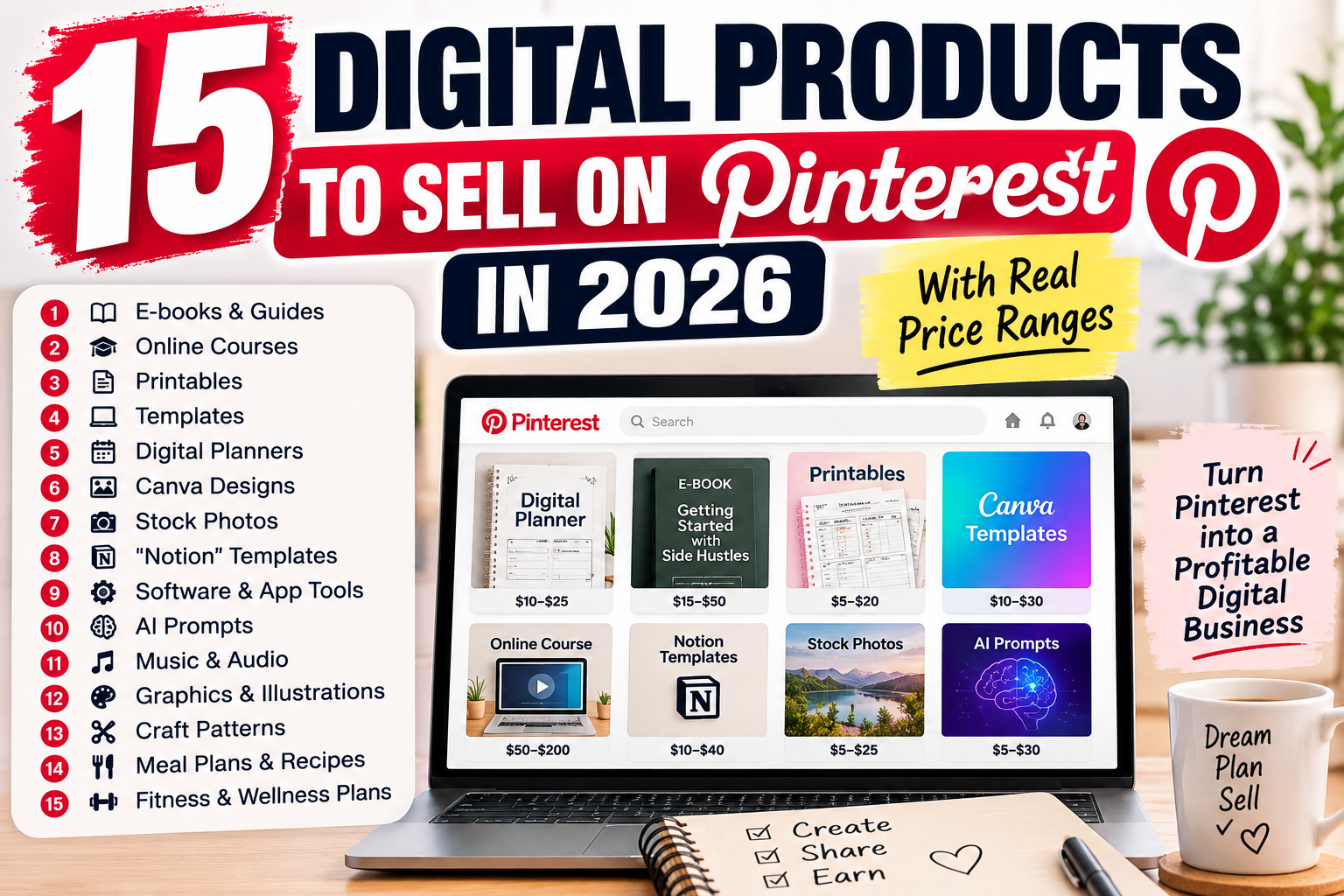
If you’ve been wondering what to sell on Pinterest, you don’t need a brand-new idea — you need one of the categories people are already searching for, saving, and buying every day. Below are 15 digital products currently selling on Pinterest, what each one actually includes, and a realistic price range for each so you can pick one that fits what you already know how to make.
Quick answer: the 15 best digital products to sell on Pinterest
- Printable Meal Prep Planners
- Notion Planner Templates
- Canva Templates
- Printable Planners
- Habit Trackers
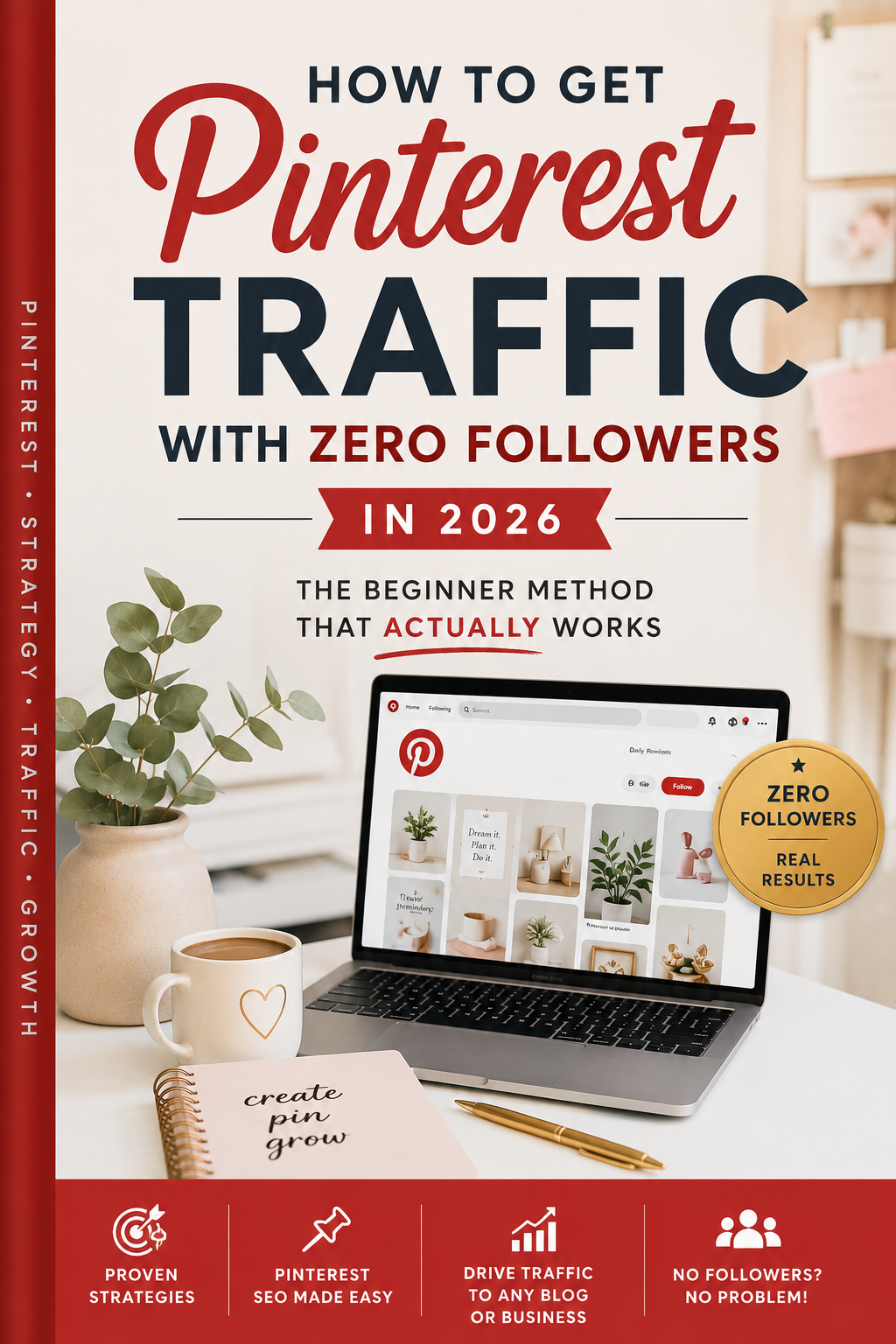
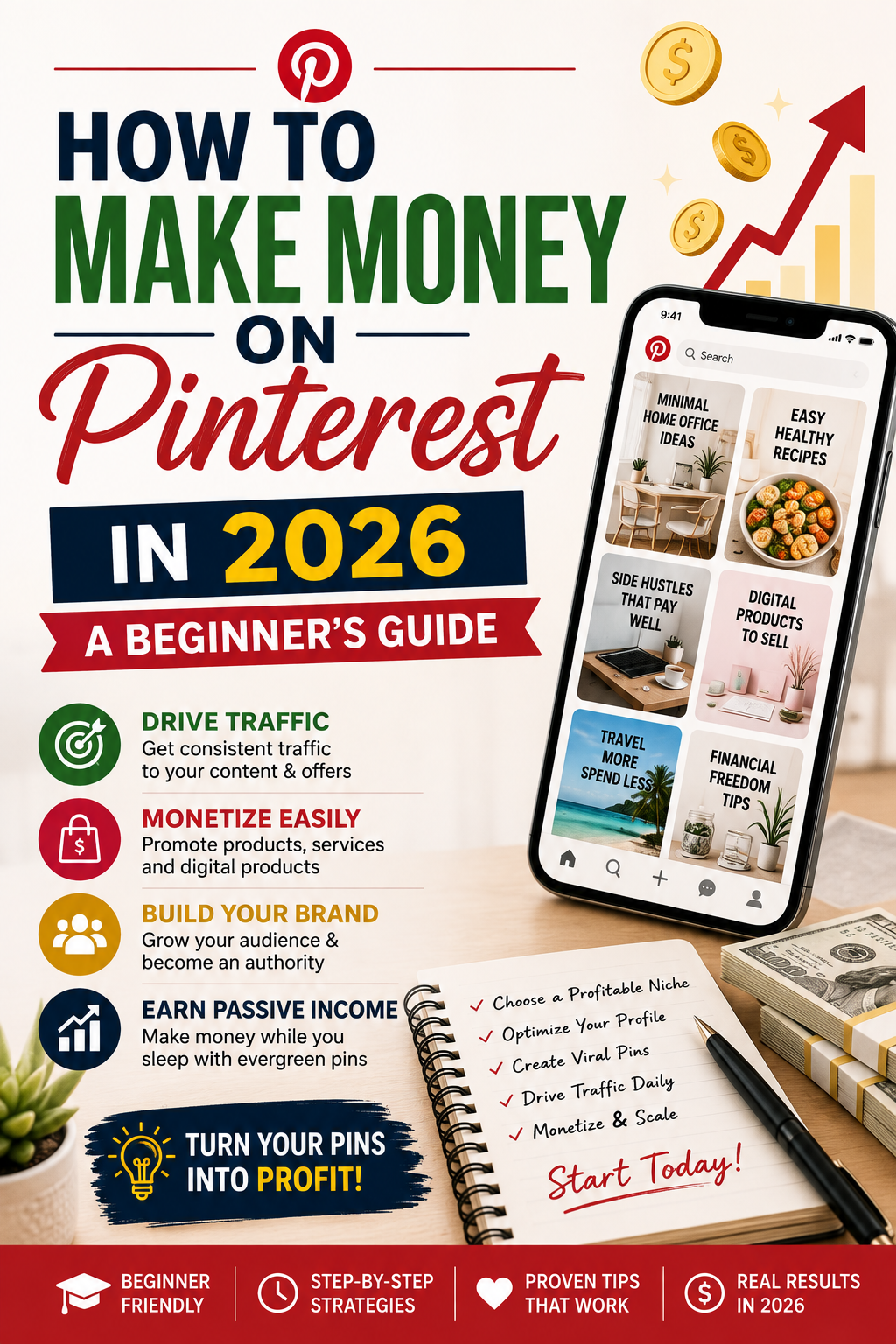
- Pinterest Marketing Guides
- Budget Trackers
- Content Calendars
- Keto / Diet eBooks
- Home Workout Guides
- Wedding Bundles
- GoodNotes Planners
- Resume Templates
- Kids Printables
- Prompt Journals
Keep reading for what’s actually inside each one, typical pricing, and who tends to buy it.
1. Printable Meal Prep Planners
Typical price: $9–18
A grocery list paired with a weekly meal grid. You don’t need to write your own recipes if you don’t want to — a clean, printable layout that someone can print on a Sunday and follow all week is enough. This is one of the easiest categories to start in because the structure (list + grid) takes almost no design skill to build.
Who buys it: people trying to stick to a routine — new parents, budget-conscious households, anyone tired of deciding “what’s for dinner” daily.
2. Notion Planner Templates
Typical price: $9–29
A pre-built Notion workspace with pages and databases already linked together. The buyer duplicates it into their own account and starts using it the same day — no setup required on their end.
Who buys it: productivity-focused Notion users who want a head start instead of building a system from scratch.
3. Canva Templates
Typical price: $15–47
Ready-made Canva designs — social media kits, invitations, resumes — with placeholder text and images already positioned. The buyer swaps in their own words and photos. No design skill needed on their end.
Who buys it: small business owners, freelancers, and anyone who needs to look professional without hiring a designer.
4. Printable Planners
Typical price: $5–18
An undated weekly or monthly grid layout, delivered as a print-ready PDF. The buyer prints it at home or a copy shop and fills it in by hand — no app or account required. This is the single highest-search-volume category on Pinterest, which also makes it the most competitive.
Who buys it: people who prefer paper planning over digital apps.
5. Habit Trackers
Typical price: $12–29
A single-page or monthly grid where the buyer checks off habits daily. Works as a printable PDF or a Notion embed for anyone tracking digitally. Simple enough that someone can start using it the same day they buy it.
Who buys it: self-improvement and wellness audiences building or breaking a routine.
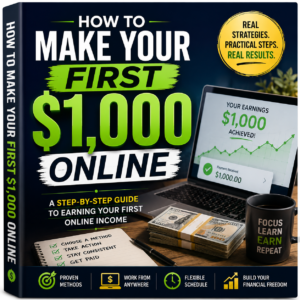
6. Pinterest Marketing Guides
Typical price: $12–39
A written how-to guide walking through one specific system — keyword research, pin design, posting cadence — rather than general advice. This is a meta-niche: it sells to other creators trying to do exactly what you’re doing right now.
Who buys it: creators and small business owners trying to get real traffic from Pinterest instead of just impressions.
7. Budget Trackers
Typical price: $15–27
A spreadsheet (Google Sheets or Excel) with income and expense categories, plus totals that calculate automatically. The buyer just enters their own numbers — no formulas to build themselves.
Who buys it: personal finance searches stay consistently high year-round, especially around January and back-to-school season.
8. Content Calendars
Typical price: $17–29
A monthly grid template (Notion or spreadsheet) with content-type slots already labeled. The buyer drops in their own topics — no structure to design from scratch.
Who buys it: small business owners and creators managing their own social media without a team.
9. Keto / Diet eBooks
Typical price: $14–35
A PDF collection of recipes with macros already calculated, organized by meal type. The buyer picks a recipe and cooks — no separate macro calculator needed.
Who buys it: an evergreen health and diet audience that searches consistently regardless of season.
10. Home Workout Guides
Typical price: $12–29
A PDF with day-by-day workout plans using no equipment, with each exercise described or illustrated step by step. The no-equipment angle tends to outperform gym-based programs on Pinterest specifically.
Who buys it: people looking for a low-barrier way to start exercising at home.
11. Wedding Bundles
Typical price: $19–45
A bundle of matching printables — invitation, seating chart, budget tracker, day-of checklist — in one coordinated design set. Buyers print what they need for their specific date. Seasonal demand spikes support a higher price point here than most other categories.
Who buys it: couples planning a wedding on their own, without a planner.
12. GoodNotes Planners
Typical price: $19–39
A digital planner file with hyperlinked tabs, built specifically for GoodNotes on iPad. The buyer imports it once and writes on it with an Apple Pencil — nothing to print. This audience tends to tolerate a higher price point than printable-only buyers.
Who buys it: iPad users who’ve moved their planning fully digital.
13. Resume Templates
Typical price: $9–24
An editable resume file (Canva or Word) with sections and formatting already built. The buyer replaces the placeholder text with their own information — no layout work required. Demand here is consistent year-round with low seasonality.
Who buys it: job seekers who want a polished resume without hiring a designer.
14. Kids Printables
Typical price: $7–22
A set of printable activity sheets — coloring, tracing, matching — built for a specific age range. A parent prints it and hands it over; there’s no prep beyond printing. Parents on Pinterest tend to search and buy in bulk across multiple age-appropriate sets.
Who buys it: parents and homeschool educators looking for screen-free activities.
15. Prompt Journals
Typical price: $9–19
A PDF with one writing prompt per page and space below it to write. The buyer opens to a page and starts — no need to think of what to journal about. Low production cost makes this one of the fastest categories to build.
Who buys it: a wellness and self-reflection audience, often paired with habit trackers or self-improvement content.
How to pick the right one for you
Don’t pick based on what looks most profitable — pick the category that overlaps with something you already understand. A budget tracker built by someone who’s never budgeted reads generic. A meal prep planner built by someone who actually meal preps includes details a generic template misses. That authenticity is what separates a template that sells once from one that sells consistently.
How much can you realistically charge?
Use the low end of a category’s range for your first 10–20 sales, especially before you have reviews. Once you have real feedback and can point to a specific outcome your product delivers, you can typically raise the price 20–30% without losing conversions.
Frequently Asked Questions
What’s the easiest digital product to start selling on Pinterest? Printable planners and meal prep planners tend to be the easiest entry point — the layout is simple (a list or a grid), and they require no specialized software beyond a free Canva account.
Do I need a following on Pinterest to sell digital products? No. Pinterest ranks primarily on keyword relevance, not follower count, so a brand-new account can still get discovered if the pin matches what someone is actively searching for.
Which digital product category sells for the most? Wedding bundles and GoodNotes planners tend to command the highest prices ($19–45), because they either bundle multiple items together or serve an audience with higher price tolerance.
What tools do I need to build these? Most of these categories can be built entirely with Canva’s free tier. Notion-based products need a free Notion account, and spreadsheet products (budget trackers, calculators) can be built in Google Sheets at no cost.
Want the full system for turning Pinterest searches into consistent sales — keyword research, pin design, pricing, and a 30-day publishing plan?[Check out the full Pinterest traffic system →]